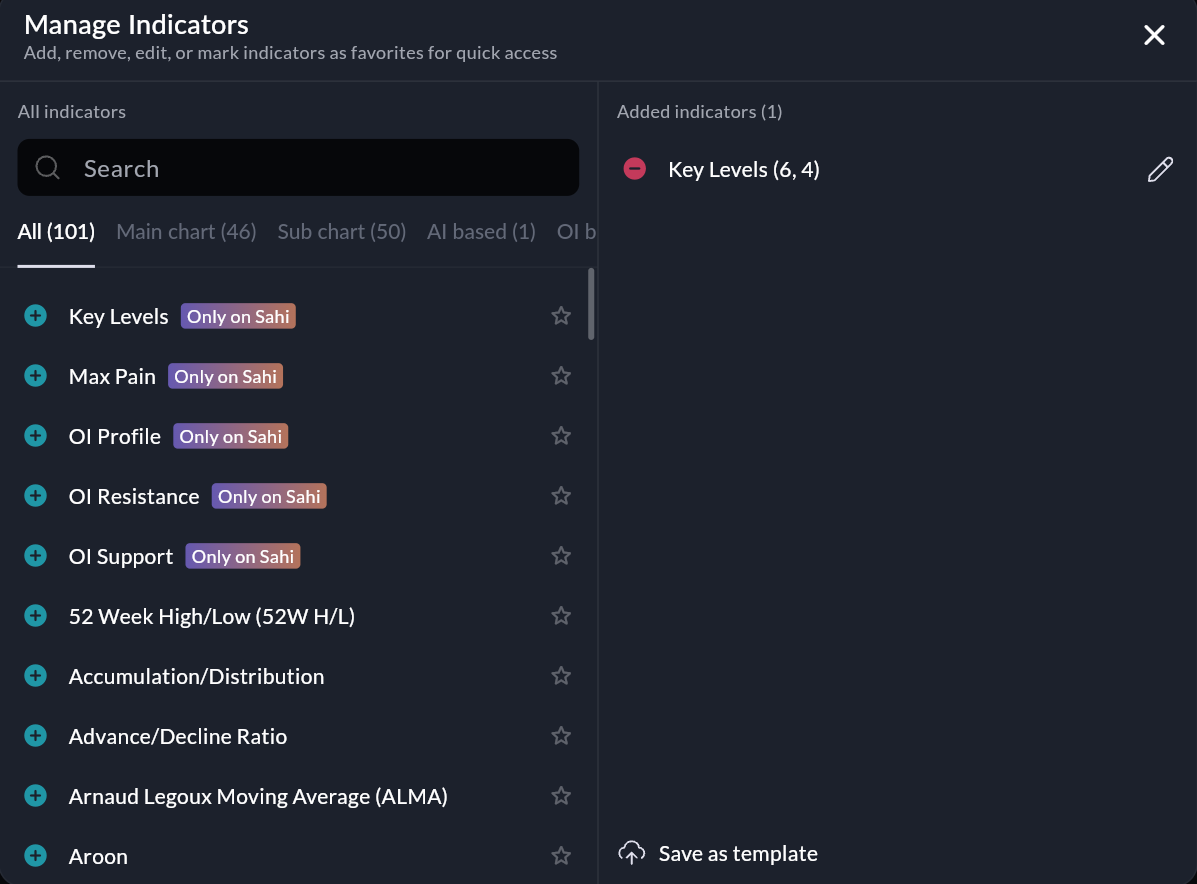
To create a template, open any chart, add and configure your indicators (like EMA, RSI, etc.), and tap Save as Template on mobile or click Save as Template on web.
To use it, open any chart, go to Indicator Templates, and select your saved template. The entire setup will be applied instantly, replacing any existing indicators on that chart.
This is especially useful when switching between multiple strike charts, maintaining consistency across trades, or using different setups (like scalping or momentum). All templates are auto-synced across mobile and web and can also be used in Scalper Mode.
Was this article helpful?
That’s Great!
Thank you for your feedback
Sorry! We couldn't be helpful
Thank you for your feedback
Feedback sent
We appreciate your effort and will try to fix the article